Timeline
Avril 2022 – Aujourd’hui
Rôle
Mobile design
Lead Product Designer
Fonctionnalités produit
Refonte et ajout de fonctionnalités sur l’ensemble des écrans de Carnet mobile.
Outils
Figma
Figjam
Matomo
Carnet
L’application Carnet facilite vos démarches administratives et médicales dans un établissement de santé. Elle permet de préparer votre séjour et de gérer les informations liées à votre prise en charge : effectuer la préadmission à distance, envoyer et recevoir des documents médicaux et administratifs, consulter les rendez-vous et les consignes associées, accéder aux plans de l’établissement et aux informations sur les services, ainsi qu’enregistrer et conserver en toute sécurité vos propres rendez-vous et documents sur votre téléphone.
L’équipe
Carnet mobile est l’un des produits de la suite Enovacom Patent Link, comprenant Carnet mobile/web pour les patients, ainsi que les produits EPL Admin et EPL Établissement, des solutions dédiées à la gestion et à la modification de Carnet à destination des hôpitaux. EPL est l’un des nombreux produits proposés par Enovacom, un acteur majeur de la e-santé et filiale d’Orange Business.
L’équipe produit EPL se compose d’une Product Owner (PO), d’un Product Manager (PM), de deux développeurs front-end, d’un développeur mobile, de trois développeurs full stack, d’une Quality Assurance (QA), et moi tant que Lead Product Designer.
Problématique produit
Les écrans de l’application Carnet, initialement conçus et développés par une agence de communication parisienne, ne respectaient pas les normes UX actuelles, ce qui rendait l’utilisation du service confuse pour les utilisateurs. De plus, le service était constamment enrichi de nouvelles fonctionnalités, c’est pourquoi j’ai repris le projet entièrement en interne.
Kickoff
L’organisation
Avec la Product Owner (PO), nous avons décidé de ne plus travailler chacun de notre côté, mais de collaborer ensemble en itérant en mettant en place des points design hebdomadaires. Ces sessions nous permettaient de travailler conjointement sur l’UX et de discuter des workflows. C’était aussi l’occasion de présenter les nouvelles maquettes aux développeurs, de recueillir leurs avis sur la faisabilité de chaque nouvelle fonctionnalité et de comprendre les besoins à venir, identifiés par la Product Manager (PM).
Faire un état des lieux de l’existant
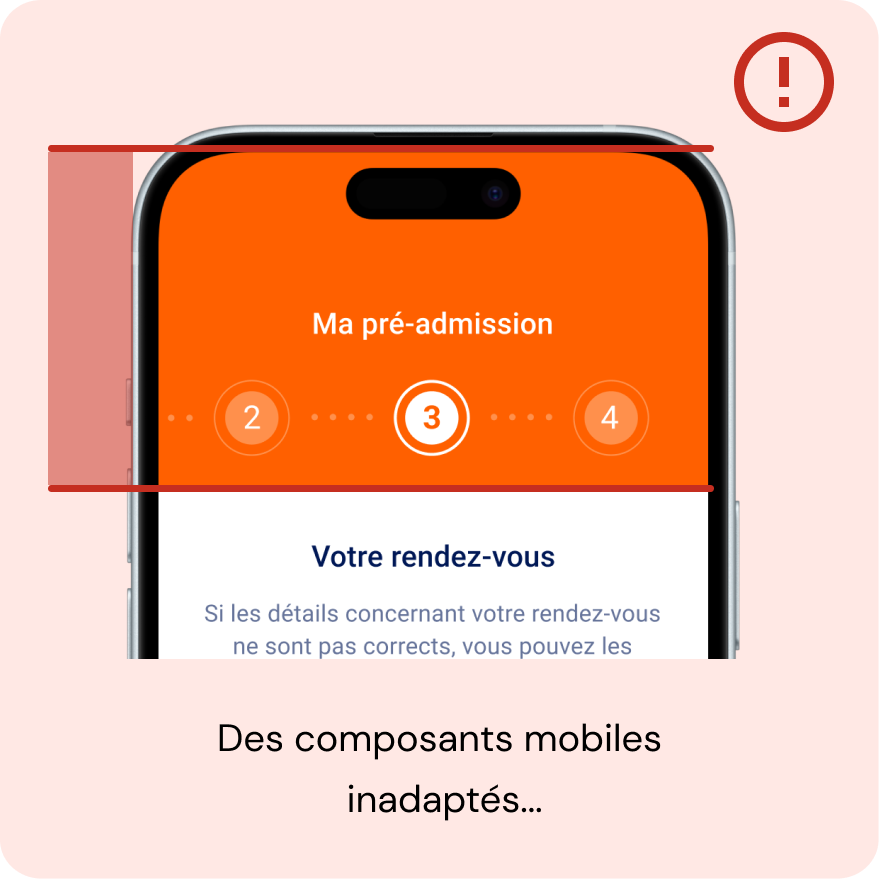
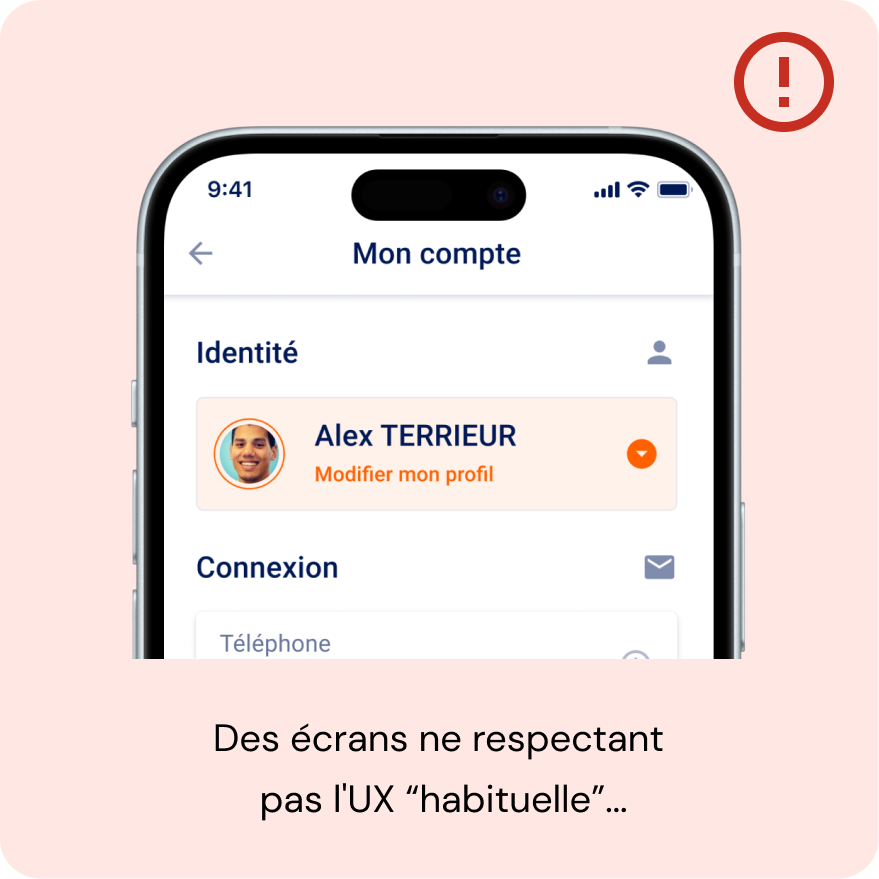
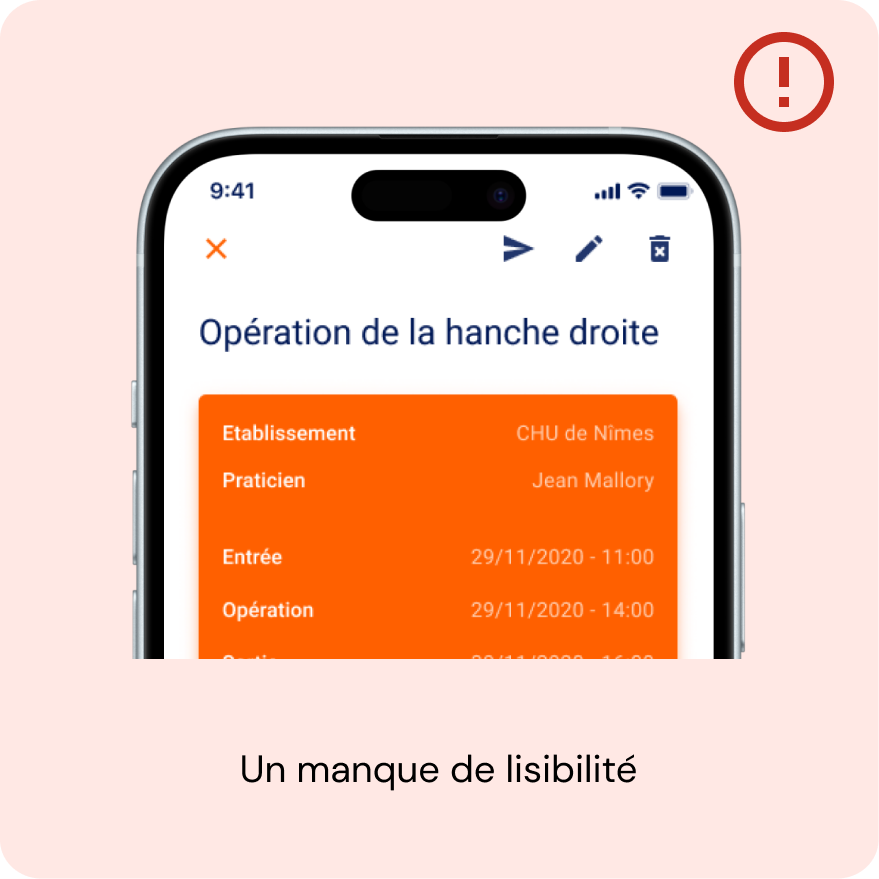
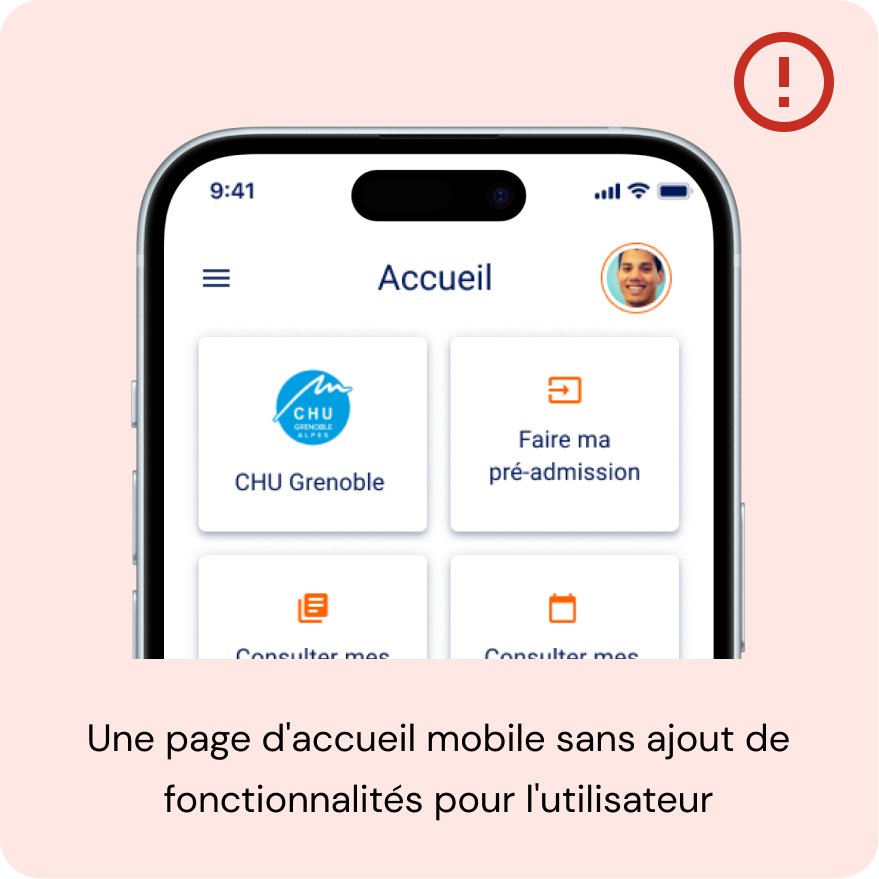
La réponse à la solution
Suite au constat de ces nombreux problèmes, nous avons décidé de faire le point sur les fonctionnalités les plus utilisées, de repenser celles qui étaient essentielles au bon fonctionnement de l’application, et enfin, de créer une harmonie entre les versions mobile et web
Étape 1 : Comprendre le workflow des utilisateurs.
L’équipe de développement a rapidement mis en place Matomo, un outil permettant de suivre le comportement des utilisateurs sur une application donnée.
Nous avons réussi à extraire certaines données essentielles, telles que :
– La durée moyenne qu’un utilisateur passe à réaliser une préadmission.
– L’utilisation de la fonctionnalité d’ajout de document par l’utilisateur.
– Le parcours typique d’un utilisateur et les possibilités d’amélioration identifiées.
Étape 2 : Demander l’avis des utilisateurs.
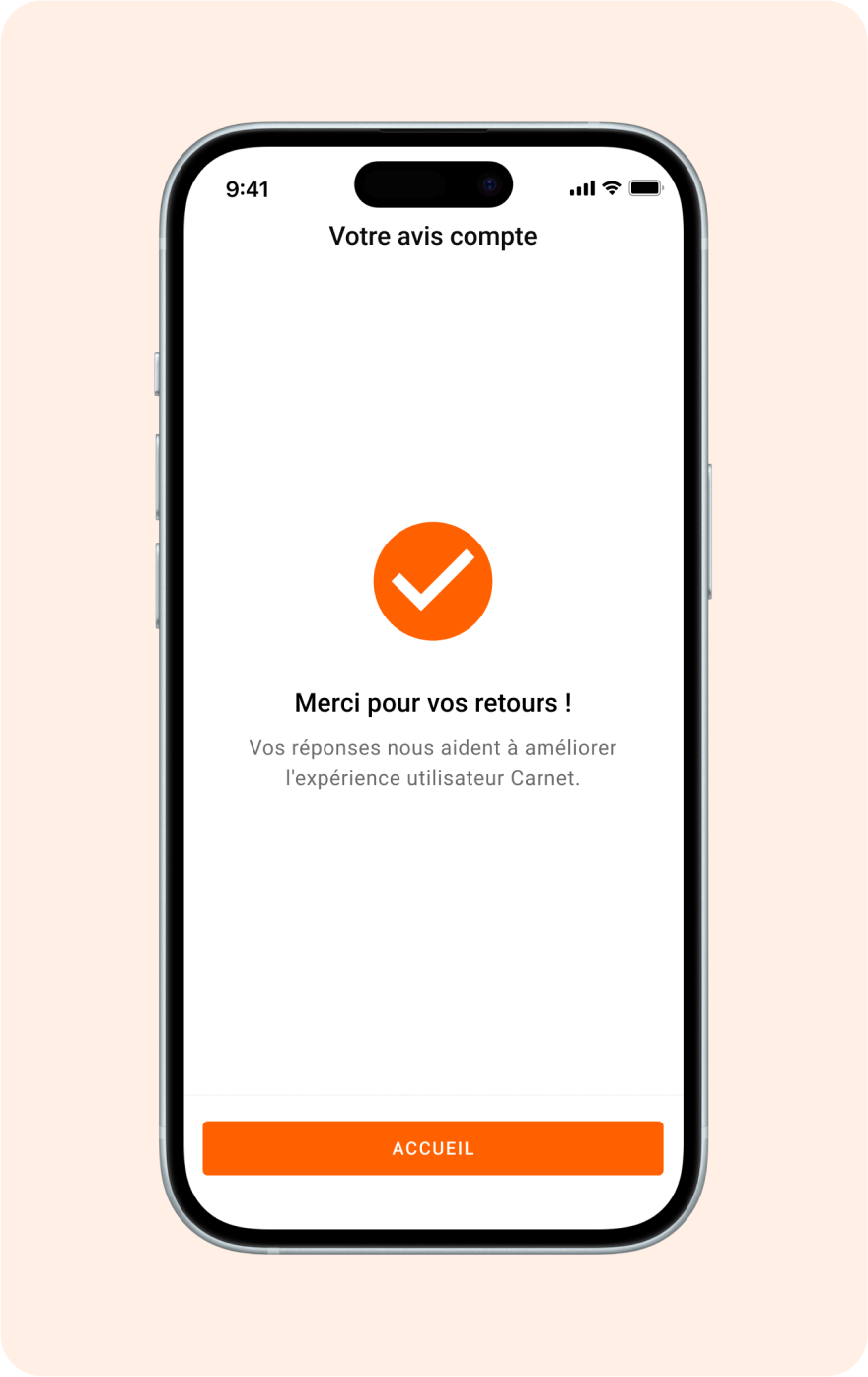
L’objectif principal de Carnet est de faciliter la préadmission dans un hôpital, ce qui implique la réception des informations concernant le rendez-vous et le téléchargement des documents d’identité et médicaux. Après cette étape essentielle, la PM et le PO ont choisi de demander directement l’avis des utilisateurs via un questionnaire de satisfaction ludique et rapide à compléter.
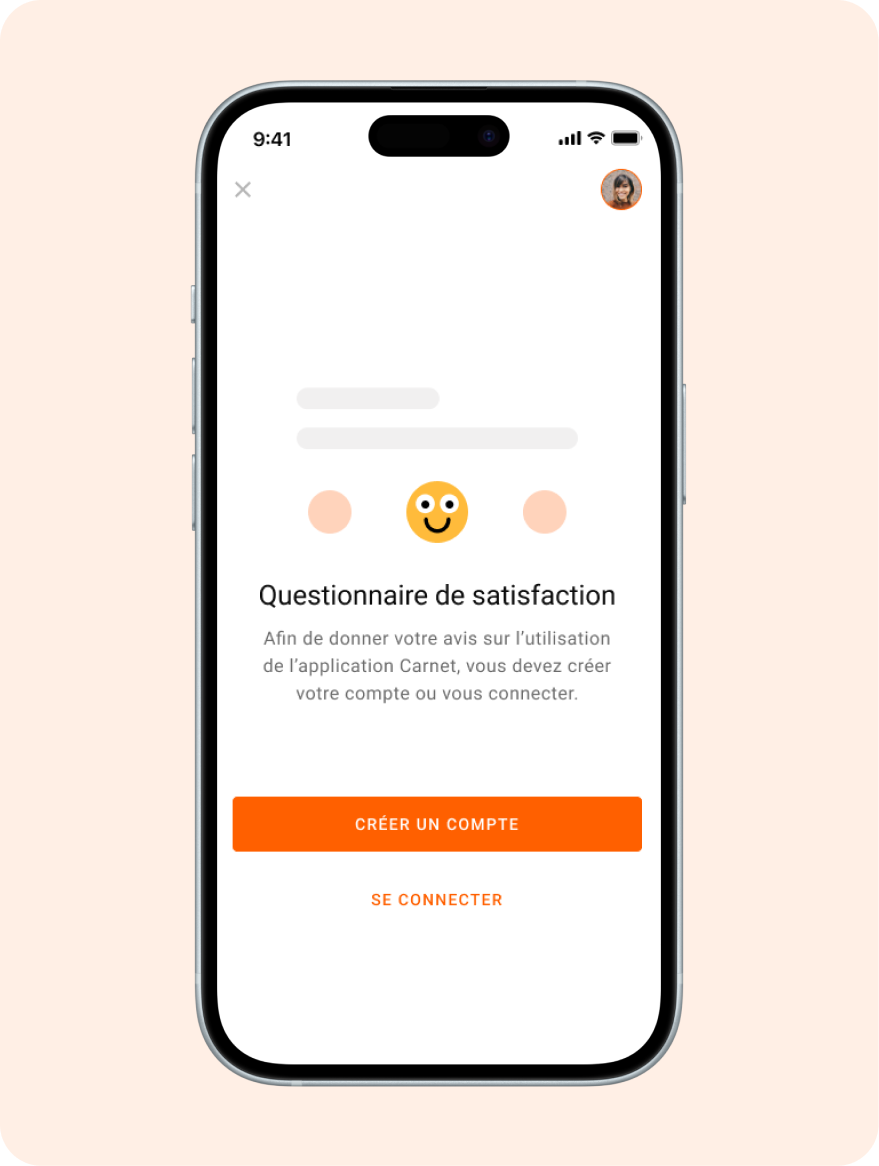
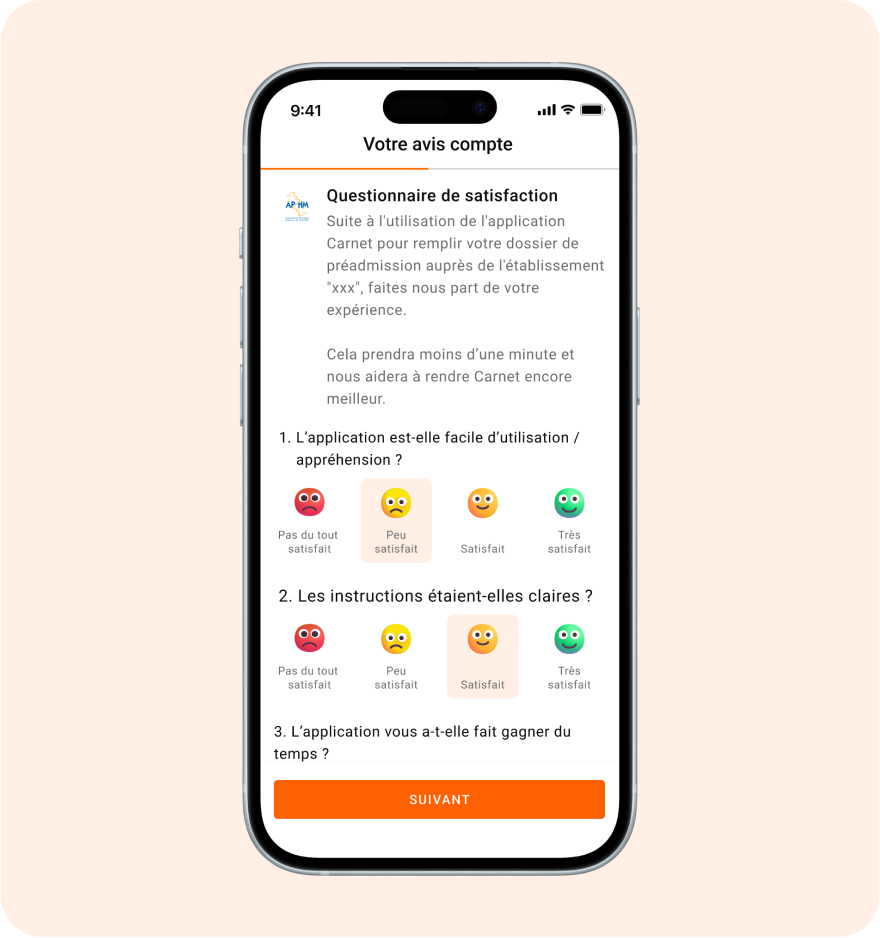
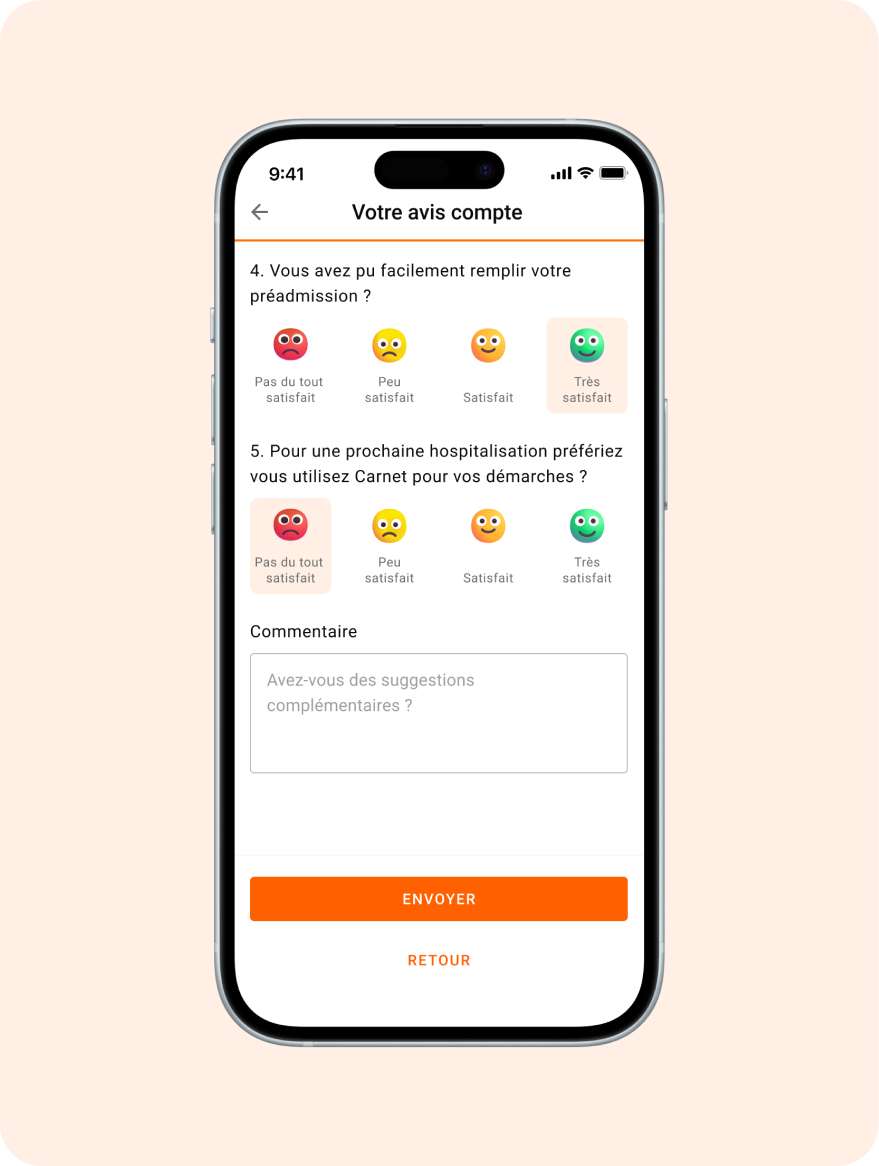
Étape 3 : Définition des parcours.
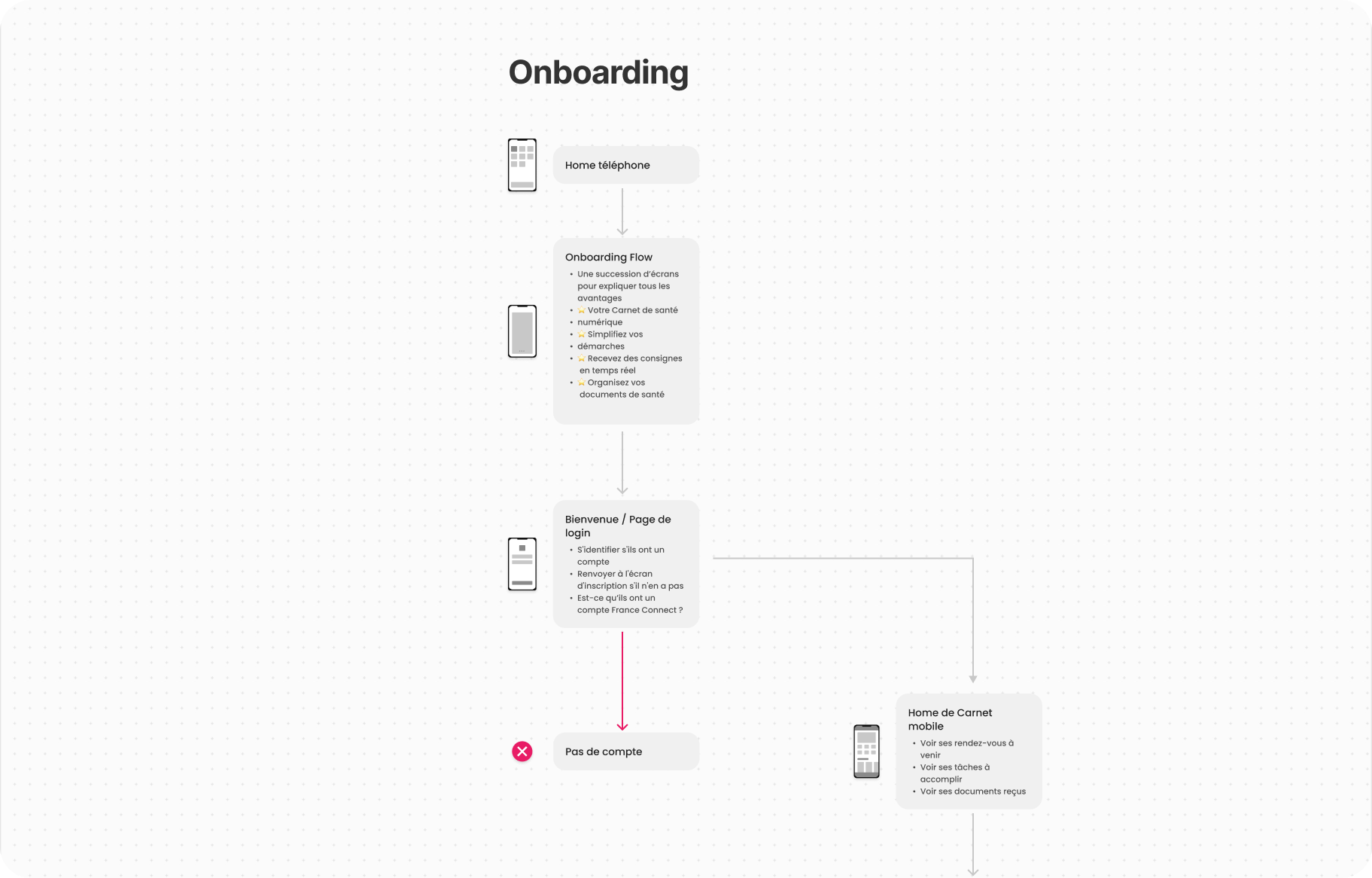
Une fois la phase de recherche et de recueil des retours utilisateurs terminée, j’ai commencé à définir les parcours utilisateur grâce à l’outil Figjam.
- Par quelles étapes l’utilisateur allait-il passer ?
- Quelles informations pertinentes fallait-il lui montrer, et à quel moment ?
Une fois ces parcours testés et validés, j’ai pu commencer à créer des wireframes pour les différents écrans.
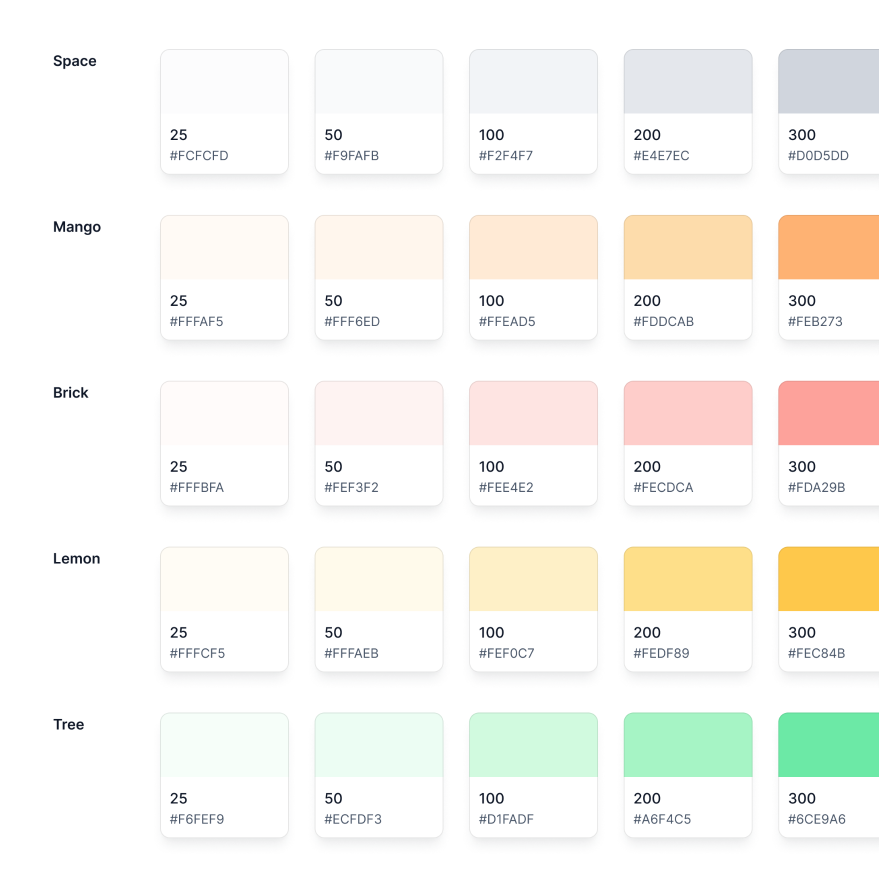
Étape 4 : Mise en place d’une identité visuelle et d’un Design System.
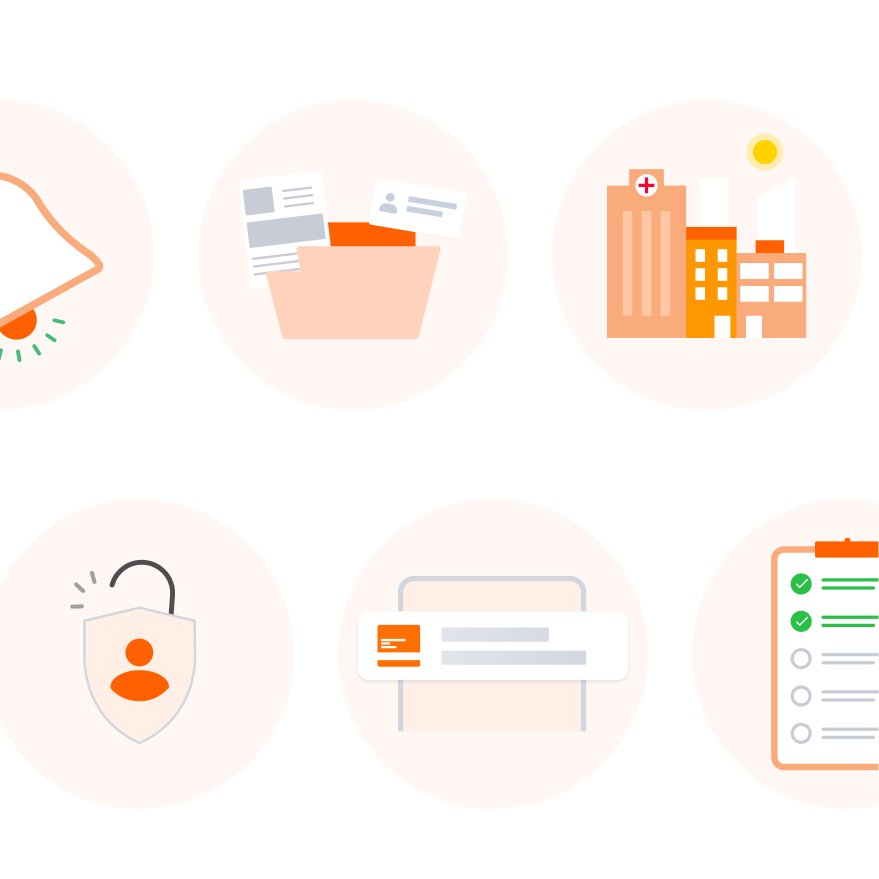
Depuis le début, le produit avait une « DA » de couleur orange. À partir de cette base, il a fallu créer tout un univers graphique et visuel. Tout d’abord, j’ai créé des illustrations qui ont permis de simplifier certaines pages, telles que les pages d’erreur, les empty states et autres pages de redirection. Ces illustrations ont été utilisées sur Carnet Mobile et web.
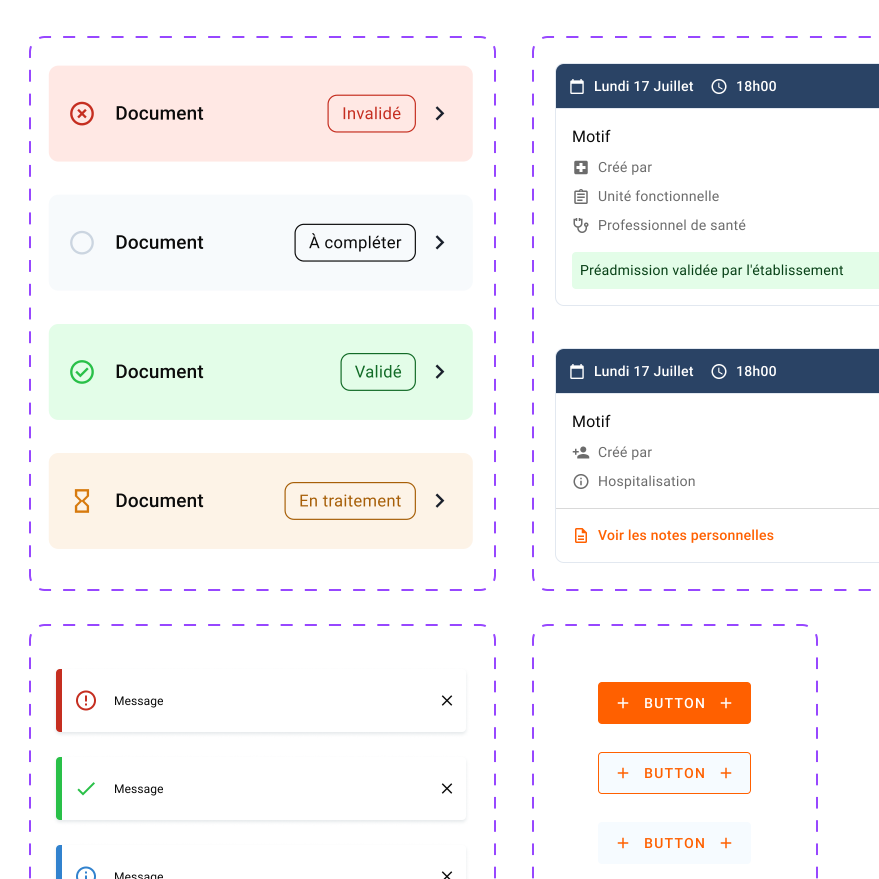
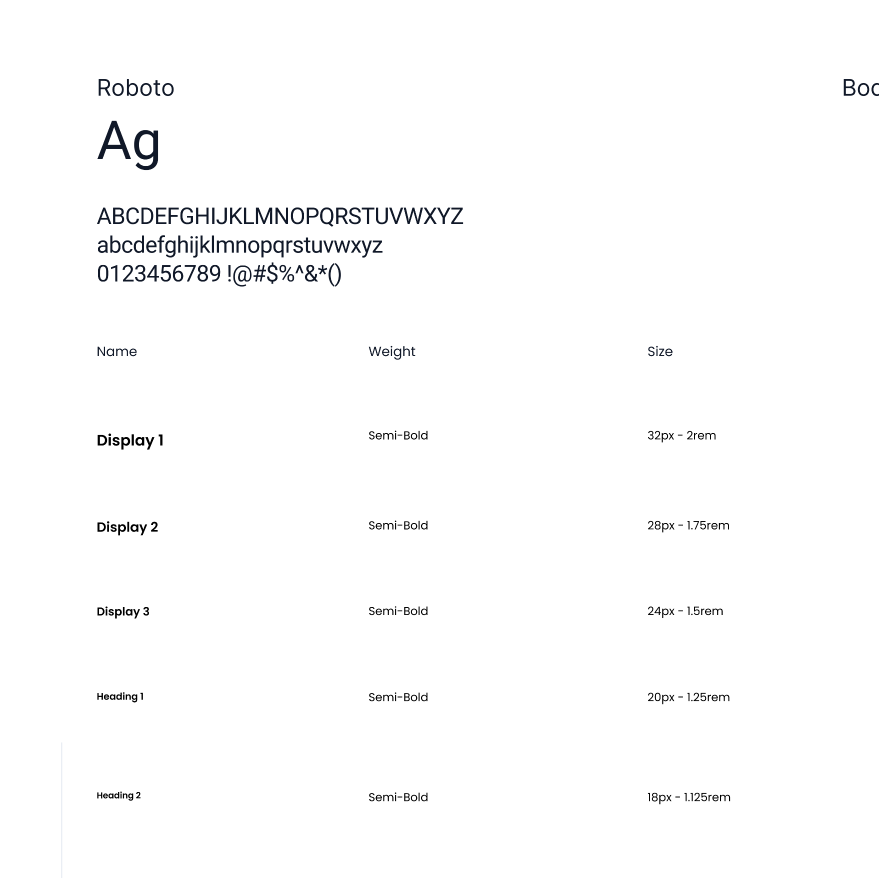
Pour la création du design system, l’agence s’est appuyée sur la bibliothèque de composants Material, notamment MUI. Nous avons utilisé cette base pour l’échelle typographique, mais nous avons modifié les couleurs afin de mieux refléter l’identité de Carnet.
Les résultats, deux ans après
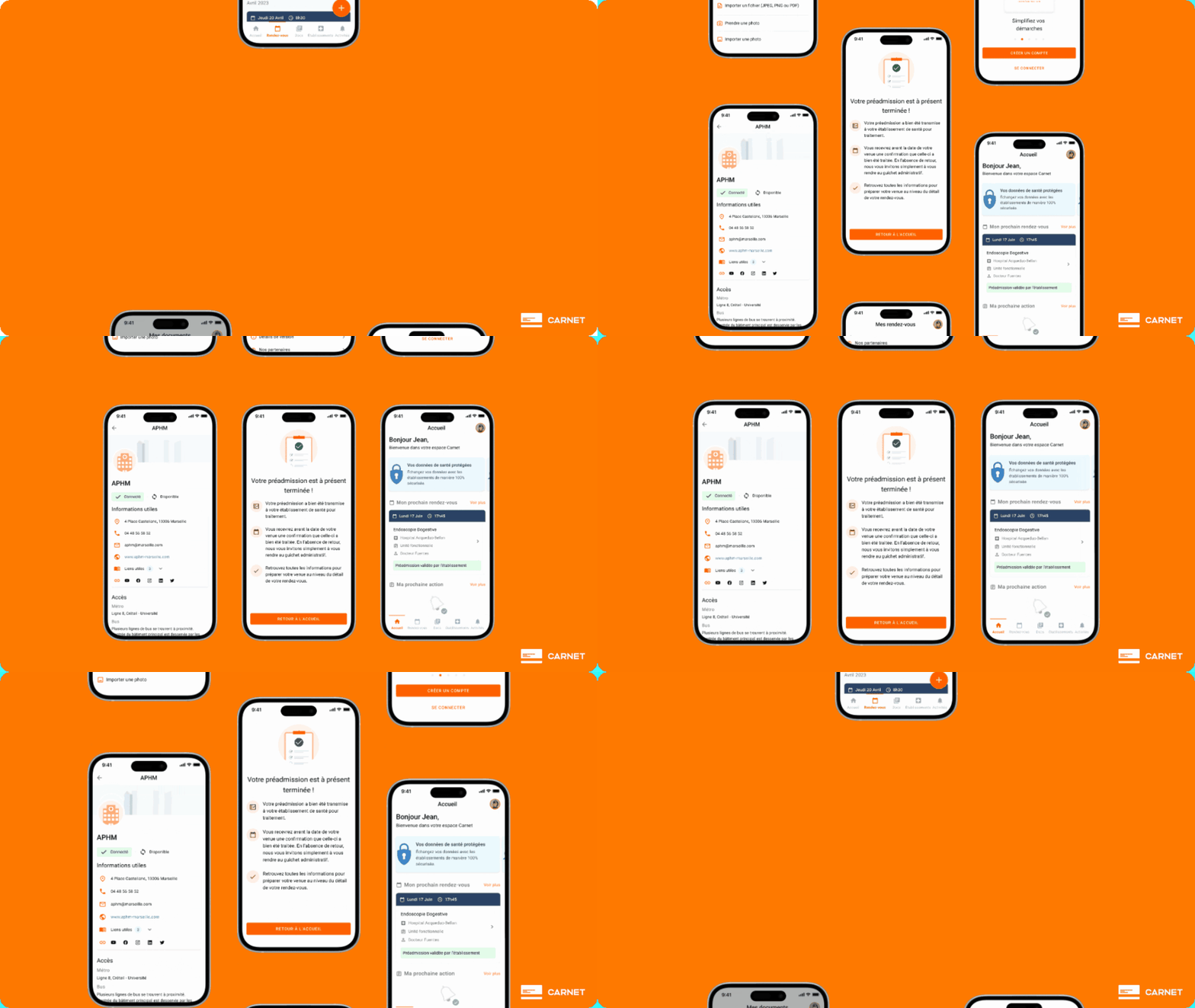
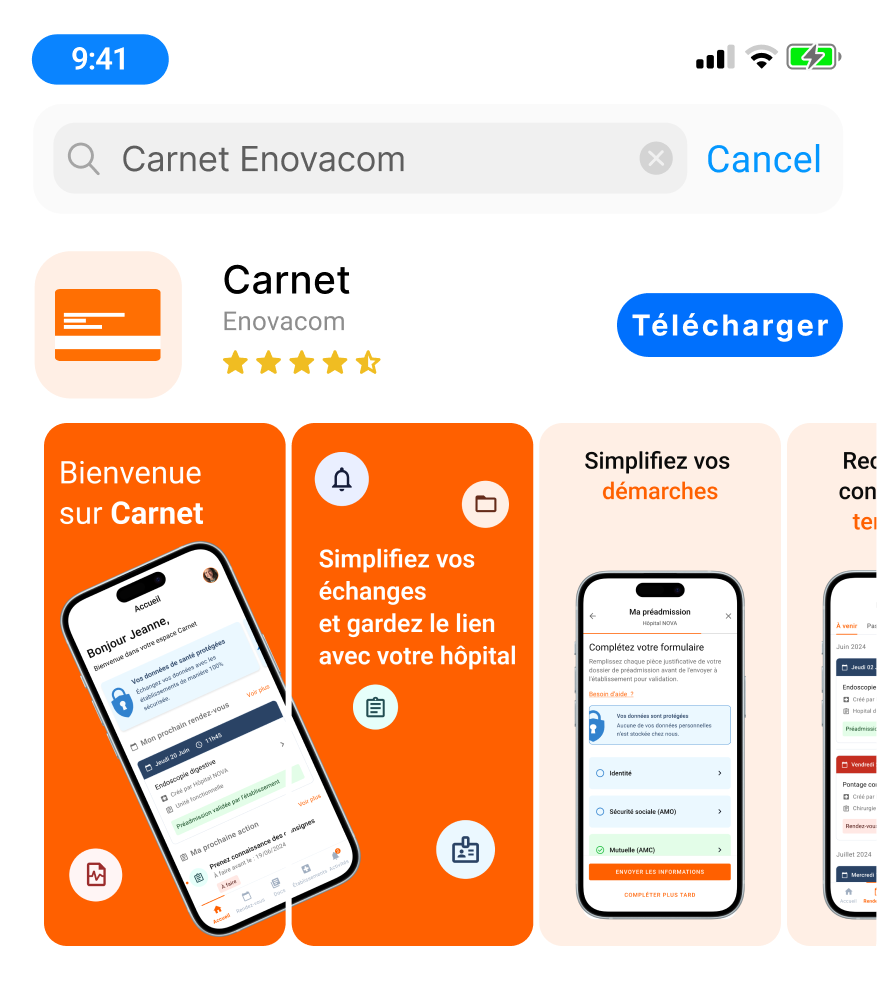
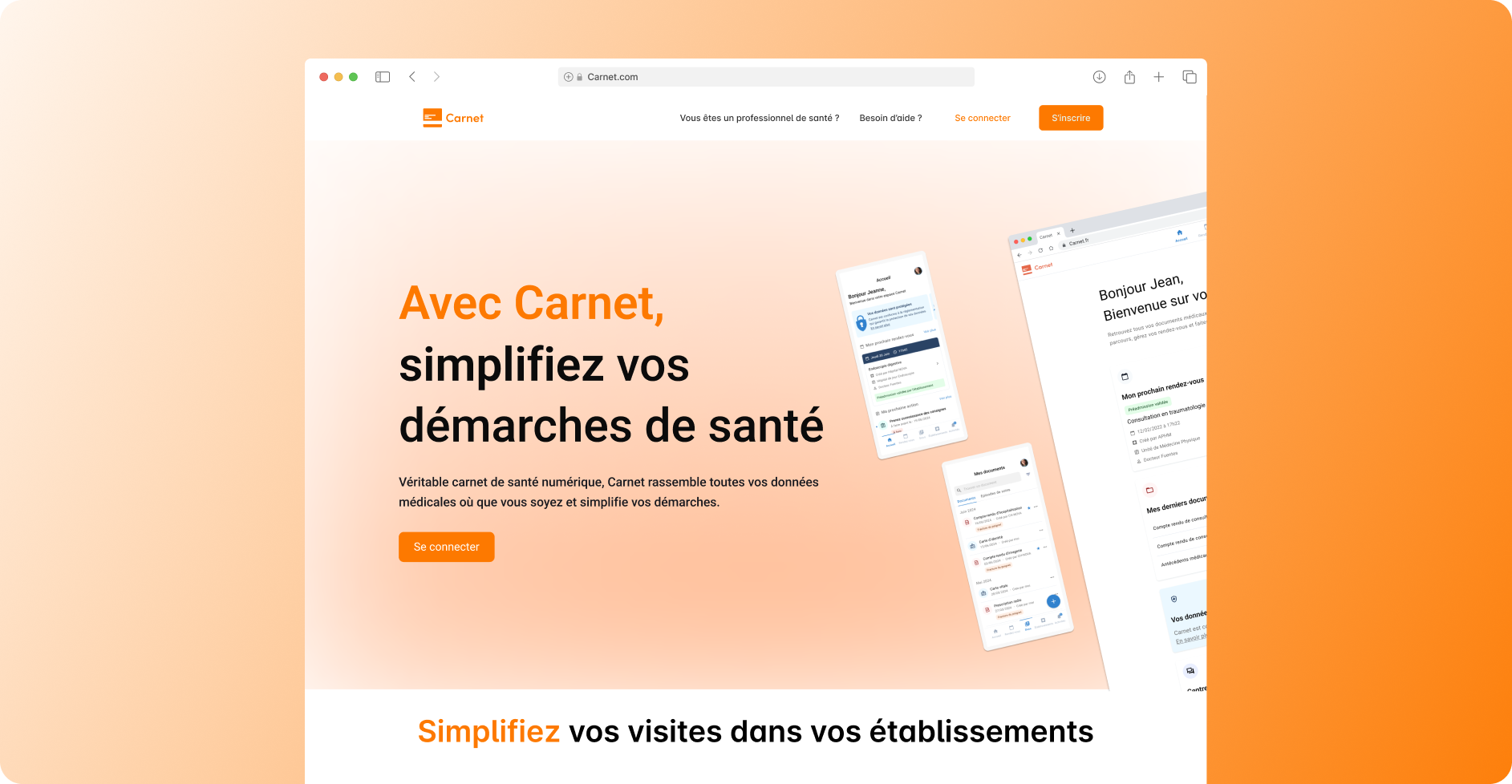
Depuis deux ans, l’application a évolué tant au niveau de l’UX que de la charte graphique. Vous trouverez ci-dessous des captures d’écran des nouvelles interfaces, un exemple de mise en avant sur les stores, ainsi que le site de présentation du produit. Retrouvez l’application sur les stores : App Store ou Google Play
Une mise à disposition sur les stores
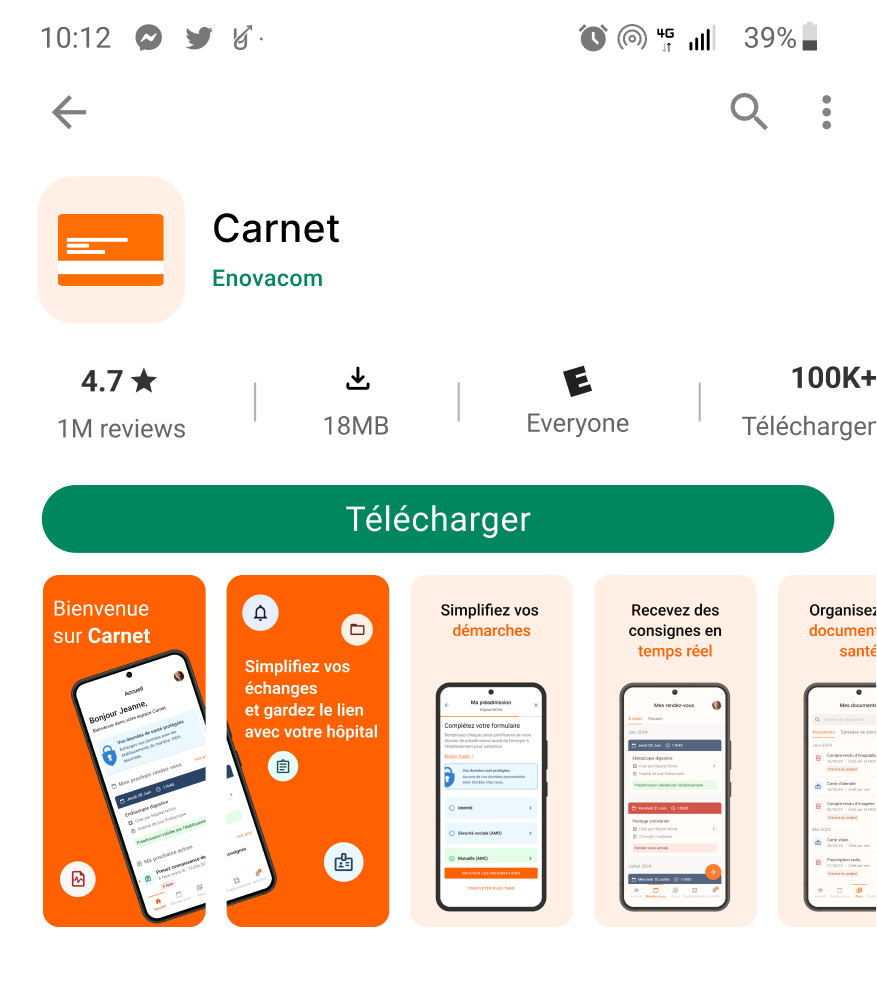
L’application avait déjà été publiée sur Google Play et l’App Store avant mon arrivée. J’étais responsable de créer les visuels pour ces plateformes. Pour tester l’application dans un environnement réel, les développeurs la mettaient en ligne sur Microsoft App Center. Si le comportement de l’application était validé par l’équipe QA et nous, les designers, le PO décidait alors de la publier sur les stores.
Création d’un one pager
Pour présenter le service Carnet et accéder à la partie web, une page a été créée pour mettre en avant les avantages de Carnet, ses points forts, ainsi que les avis des utilisateurs. Vous pouvez la consulter sur le site en cliquant juste ici.
Et après ?
Faisons le bilan après deux ans de travail sur le projet Carnet, tant pour le web que pour le mobile. Nous avons réussi à faire évoluer l’application dans la bonne direction : plus de 98 % des écrans ont été repensés et l’expérience utilisateur a été améliorée. Il existe désormais une véritable cohésion entre les versions web et mobile, résolvant ainsi le problème initial.
Cependant, il reste du travail à accomplir, un produit digital n’est jamais terminé et est en constante évolution, ajouter ou supprimer certaines fonctionnalités ou pour ajuster le branding du produit. L’application est déployée dans un nombre croissant d’établissements de santé, et leurs retours auront un impact direct sur son évolution.
Pour ce qui est de l’organisation du travail, il est essentiel de prendre en compte le design du produit à chaque étape de sa modification, afin de garantir la cohérence entre chaque écran. Aujourd’hui, mon impact sur le produit Carnet m’a permis d’occuper un poste plus transvers, avec la mise en place d’un Design System et la gestion d’une Guilde Front ayant un impact sur l’ensemble des produits Enovacom. N’hésitez pas à me contacter si vous souhaitez en savoir plus.